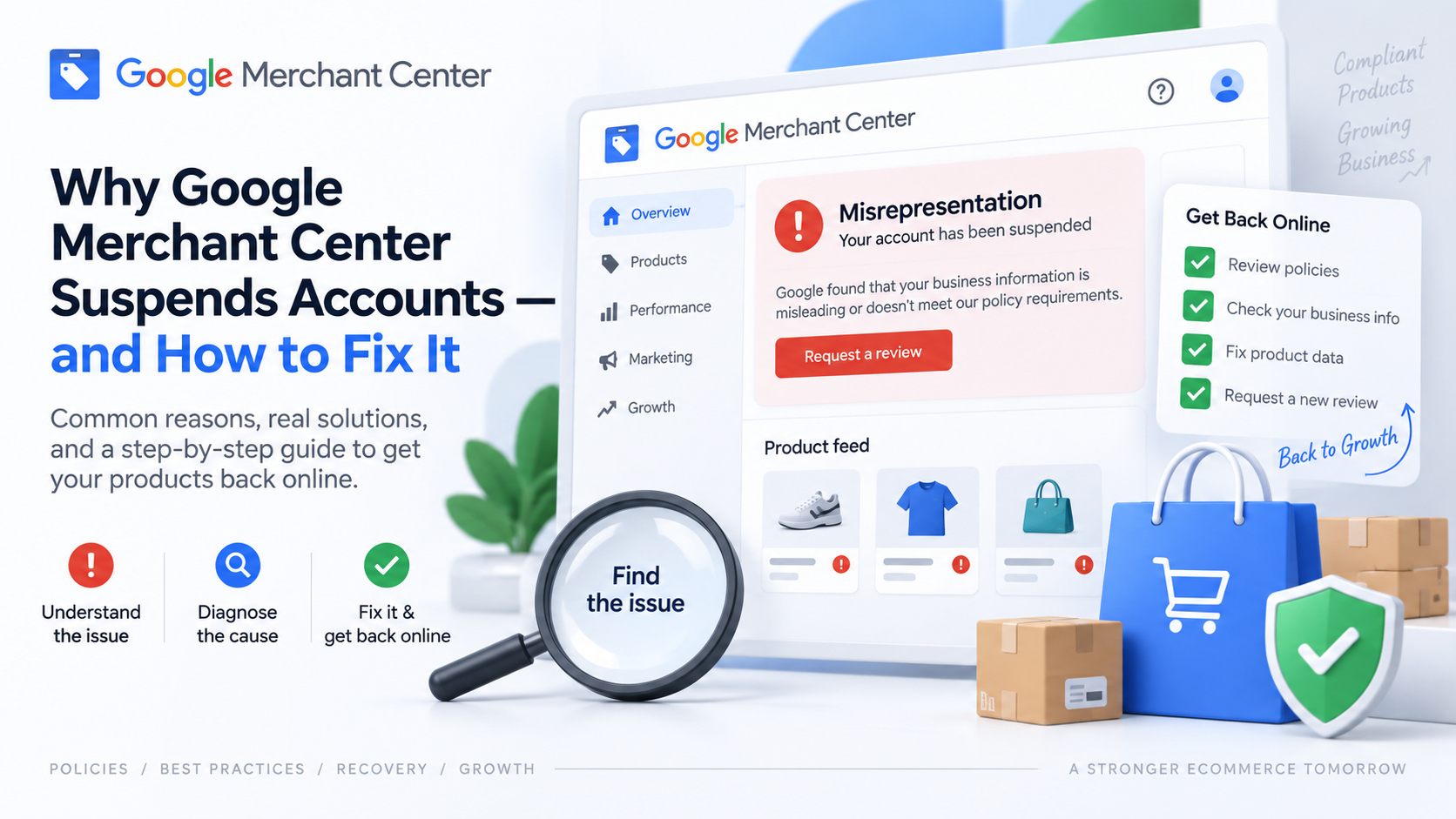
Google Merchant Center suspends accounts when it finds a policy problem in the account, website or product data. The most common causes are misrepresentation, website quality, product data mismatches, counterfeit or trademark flags and prohibited products. To fix it, find the exact policy Google cited, fix every related issue, then request a review.
Last updated: 1 October 2026 · By Ashraful Islam, founder of GMC Fixer
A suspended Merchant Center account stops all your products from showing on Google Shopping. The fix depends entirely on which policy triggered it, whether that means correcting the website, verifying your business or cleaning up product data. This guide explains the main causes, how to tell which one applies to you, and what to do next, based on 5+ years of fixing suspensions for 200+ stores.
The most common suspension causes
| Cause | What it usually means | Usually fixable? |
|---|---|---|
| Misrepresentation | Google does not trust the store: unclear identity, missing contact details or policies, misleading prices or claims | Yes, with a full site audit |
| Website needs improvement | Missing pages, broken checkout, unfinished or low-quality site | Yes |
| Product data mismatches | Prices, availability or shipping in the feed do not match the website | Yes |
| Counterfeit or trademark | Branded products or brand names used in a way that looks like counterfeiting | Often, by removing or proving the affected products |
| Prohibited or restricted products | Products or claims Google Shopping does not allow | Yes, by removing them |
| Unverified business information | Details in Merchant Center that cannot be verified or do not match the site | Yes |
| Circumventing systems | Attempts to get around Google’s checks, such as new accounts after a suspension | Rarely |
How to tell which cause applies to you
- Open the account issues area in Merchant Center and note the exact policy name.
- Check whether the whole account is suspended or only some products are disapproved.
- Think about what changed recently: new products, a theme change, new shipping rules or a sale.
- Match the policy to the right section of our suspension checklist and check every item in it.
Suspension, disapproval or warning?
| Status | What it affects | What to do |
|---|---|---|
| Warning | Nothing yet, but a deadline applies | Fix the issue before the deadline |
| Product disapproval | Only the flagged products | Fix the products; the rest keep running |
| Account suspension | Every product in the account | Fix the root cause, then request a review |
How long does reinstatement take?
Google’s review often takes about a week, sometimes several weeks, depending on the policy and how clearly the fix addresses it. What you control is how ready the account is before you request the review. A vague or incomplete fix is the most common reason a first request is rejected and the clock resets. See what to expect during reinstatement.
What needs to change before you request a review
- Fix the specific policy Google flagged, not just a related symptom.
- Fix the website itself, not only the product feed.
- Make business identity and contact details consistent everywhere.
- Update Merchant Center settings so they match the website.
- Keep a short record of what you changed.
What not to do while you are suspended
- Do not resubmit the same review request without changing anything.
- Do not create a new Merchant Center account to get around the suspension. Google can link accounts to the same business, and this can be treated as circumventing systems.
- Do not guess at the cause and make random changes.
- Do not change the site heavily while a review is in progress.
Preventing the next suspension
Reinstatement solves the immediate problem, but the same gap can trigger another suspension later. Keep business details, contact information and policies consistent as your store changes, and check product feed accuracy whenever prices, shipping or returns change, not only when Google flags something.
How GMC Fixer approaches suspension recovery
Every case starts with finding the real cause, not just the symptom Google listed. We then fix whatever part of the account or website caused the flag, prepare a review-ready request and help keep the account stable afterwards. That is our Google Merchant Center suspension fix service. No honest specialist can guarantee Google’s decision, which is why we work on a No Fix, No Fee basis.
Frequently asked questions
Why was my Google Merchant Center account suspended?
Google suspends an account when it finds a policy problem in your account, website or product data. The most common causes are misrepresentation, website quality issues, product data mismatches, counterfeit or trademark flags and prohibited products. The policy name in Merchant Center tells you which area to check.
Can a suspended Merchant Center account be fixed?
Most suspensions can be fixed by correcting the underlying issue and requesting a review. A few, such as some circumventing systems cases, are very hard or impossible to reverse.
What is the difference between a suspension and a disapproval?
A disapproval affects individual products while the rest of the account keeps running. A suspension stops the whole account, and the cause is usually broader, such as business information, website policies or a pattern across many products.
Does Google warn you before suspending a Merchant Center account?
Sometimes. Google may show a warning with a deadline to fix the issue before the account is suspended. Other issues lead to an immediate suspension. Always act on warnings straight away.
Will a suspension affect my Google Ads?
A Merchant Center suspension stops your products from showing in Shopping ads and free listings. Your other Google Ads campaigns can keep running, unless the Google Ads account has its own policy issue.
Related guides
- Google Merchant Center suspension checklist
- Misrepresentation suspension: how to fix it
- Google Shopping product feed errors
- Reinstatement: timeline and what to expect
- Google Merchant Center website needs improvement: how to fix it
- Google Merchant Center counterfeit products suspension: what to do
- Google Merchant Center price mismatch: causes and fixes
- Google Merchant Center availability mismatch: how to fix it
- Google Merchant Center shipping mismatch: why it happens and how to fix it
- Google Merchant Center missing GTIN: when you need it and how to fix it
- Google Merchant Center invalid GTIN: causes, examples and fixes
- Google Merchant Center missing brand attribute: how to fix product disapprovals
- Google Merchant Center missing color, gender and age group: complete apparel fix guide
- Google Merchant Center Shopify suspension: complete fix checklist
- Google Merchant Center WooCommerce suspension: what to check before review
- Google Merchant Center dropshipping suspension: compliance guide for 2026
- Can you create a new Google Merchant Center account after suspension?
- Google Merchant Center landing page not working: how to fix URL and crawl issues
- Google Merchant Center Free Shipping Claims
- Google Merchant Center Review Failed
- Common Problems Found in 100 Suspended Merchant Center Stores
- 10 Patterns We Keep Seeing in Failed Merchant Center Reviews
- What We Learned From Reviewing Suspended Dropshipping Stores
- Google Merchant Center Review Failed: Why It Happens
- Google Merchant Center Review Button Disabled: What the Cooldown Period Means
- Google Merchant Center Product Page Blocked by Robots.txt: How to Fix Googlebot Access
- Google Merchant Center Automatic Updates: Should You Enable Them?
Get a free review of your suspended account
If your Merchant Center account is suspended or your Shopping products are disapproved, send us your suspension notice. We will tell you what triggered it and what fixing it involves, and we reply within 24 hours.
Leave a Reply