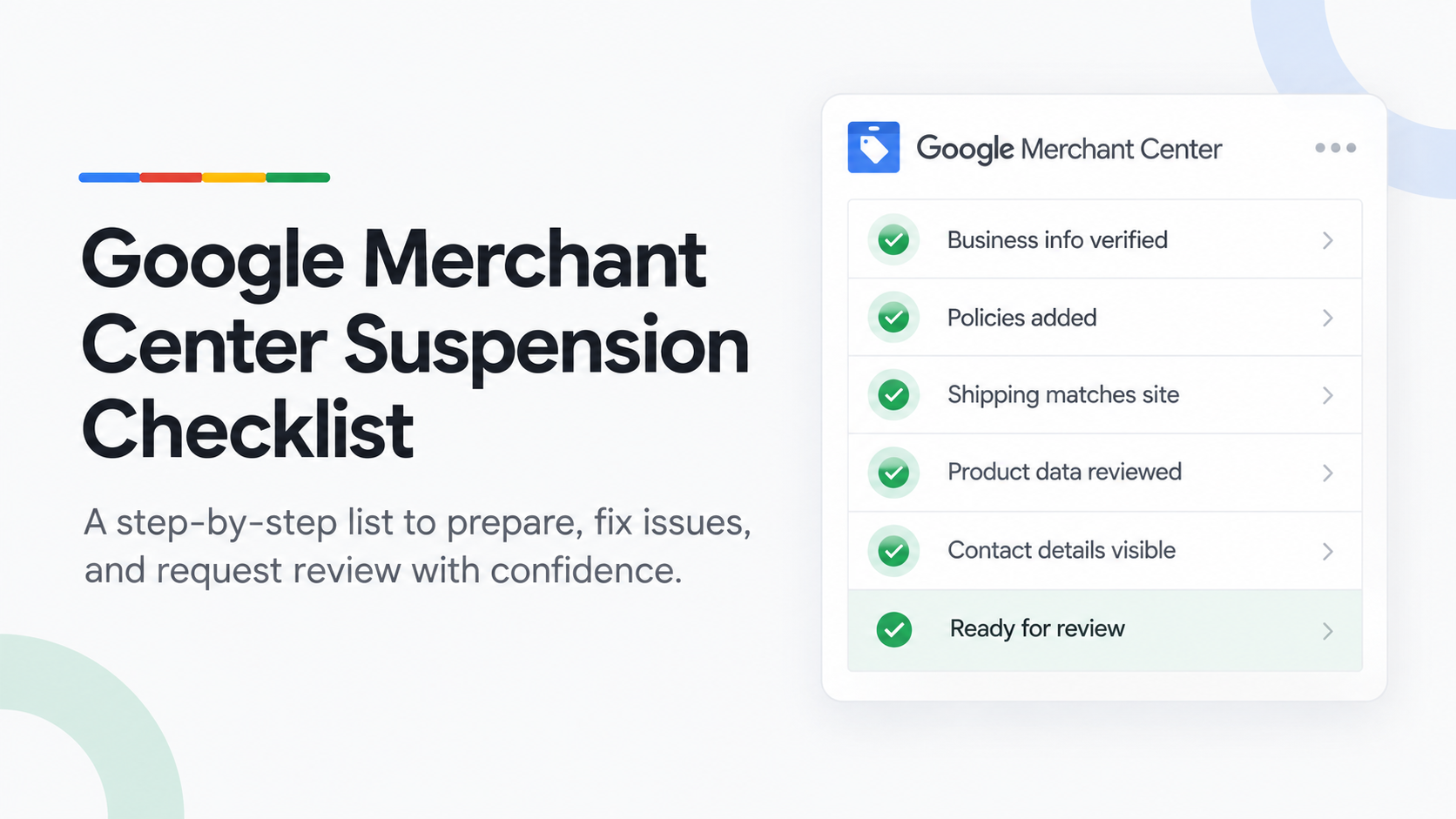
Before you request a review of a suspended Google Merchant Center account, check six areas: business identity, website policies, checkout and pricing, product pages, product feed data, and Merchant Center settings. Fix every issue in the area linked to the policy Google cited, then request one well-prepared review.
Last updated: 1 October 2026 · By Ashraful Islam, founder of GMC Fixer
This is the checklist we use when a new client sends us a suspended Merchant Center account. It is built from more than 5 years of fixing suspensions for 200+ online stores. Most suspensions come from a handful of fixable problems; this list helps you find yours instead of guessing.
Step 1: Read the suspension notice properly
Google always names a policy, for example misrepresentation, website needs improvement or counterfeit goods. That label tells you which part of this checklist matters most. It rarely tells you the exact problem, so check every item in that section, not just the first one that looks wrong.
- Write down the exact policy name Google shows, not a summary of it.
- Note the date the suspension started and any changes you made to the site around that time.
- Check whether only some products are disapproved or the whole account is suspended. They need different fixes.
Business identity
Google wants to know who is behind the store. Inconsistent or hidden business details are the single most common cause of misrepresentation suspensions.
- Business name matches exactly across your website, checkout, invoices and Merchant Center.
- A real, monitored email address and phone number are visible on the site, not only a contact form.
- An address, if shown, matches what is in Merchant Center and your Google Business Profile.
- Your About page explains who runs the business and what you sell.
- Social media and other listings use the same business name and details.
Website policies
- Return and refund policy states the time window, condition of items, who pays return shipping and how refunds are paid.
- Shipping policy lists delivery times, costs and the countries you ship to.
- Privacy policy and terms of service are published and linked in the footer.
- Policy pages match what actually happens at checkout. No contradictions.
- No placeholder text, “coming soon” pages, lorem ipsum or broken links anywhere on the site.
Checkout, pricing and offers
- The checkout works from start to finish and uses a secure (HTTPS) payment page.
- Prices and currency on the website match the feed and do not change at checkout.
- No hidden fees appear only at the last step.
- Discounts are real. “Was” prices and countdown timers that never end are a red flag.
- You do not promise things you cannot deliver, such as “guaranteed results” or unrealistic delivery times.
Product pages and content
- Descriptions are your own, not copied word for word from a supplier or another store.
- Claims are accurate. No medical, legal or performance claims you cannot support.
- Images show the real product, without watermarks, placeholders or promotional text on top.
- Branded products are genuine and you are allowed to sell them. This is what counterfeit flags are about.
- Every product page loads properly on mobile.
Product feed data
Feed problems usually cause item disapprovals first. If they are widespread, they can contribute to an account-level suspension. Our guide to product feed errors covers each one in detail.
- Prices in the feed match the live price on each product page.
- Availability (in stock or out of stock) matches the website.
- Every product has a valid GTIN or other identifier where Google requires one.
- Every feed link opens a working product page, with no redirects or 404 errors.
- Titles and descriptions in the feed match the product page.
Merchant Center account settings
- Business information in Merchant Center is complete and matches the website.
- Your website is verified and claimed in Merchant Center.
- Shipping and return settings in Merchant Center match your published policies.
- Any linked accounts, such as Google Ads, are the correct ones for this business.
Before you request a review
- You have identified the specific policy Google cited, not just the general category.
- Your fixes address that policy directly, not only a related symptom.
- Every item in the relevant section of this checklist is complete.
- You have not resubmitted an unchanged review after a rejection.
- You can explain clearly what changed and why it resolves Google’s concern.
Quick reference: what Google checks
| Area | What Google looks for | Most common failure |
|---|---|---|
| Business identity | Who runs the store and how to reach them | Hidden or inconsistent contact details |
| Policies | Clear returns, refunds and shipping terms | Missing or contradictory return policy |
| Checkout and pricing | Prices and fees shoppers can trust | Price mismatches or fake discounts |
| Product pages | Accurate, original content and images | Copied descriptions or exaggerated claims |
| Product feed | Data that matches the website | Price and availability mismatches |
| Account settings | Details that match the website | Business info or shipping settings out of date |
Common mistakes that get reviews rejected
- Fixing one obvious issue and requesting a review while others remain.
- Opening a new Merchant Center account instead of fixing the suspended one. This can be treated as circumventing systems.
- Changing the website after requesting the review, so Google sees a different site from the one you described.
- Requesting several reviews in a row without new changes.
Frequently asked questions
How do I know why my Google Merchant Center account was suspended?
Open the account issues or “needs attention” area in Merchant Center. Google names the policy, such as misrepresentation, but usually not the exact problem on your site. Use the policy name to pick the right section of this checklist, then check every item in it.
Can I request a review straight away?
You can, but you should not until every item in the relevant section is fixed. Each rejected review costs time, and repeated rejections can lead to a waiting period before you can request another one.
How long does it take to fix a Merchant Center suspension?
Most stores can work through this checklist in a few days. Google’s review after you request it often takes about a week, sometimes longer.
Do I need a physical address to pass Google’s checks?
Google needs to be able to verify who runs the store. Showing consistent business details, including an address where appropriate, makes that much easier. If you work from home, make sure what you show matches the details in Merchant Center.
Related guides
- Why Google Merchant Center suspends accounts
- Misrepresentation policy violations: a practical guide
- Product feed errors that trigger suspensions
- Google Merchant Center reinstatement: what to expect
- Google Merchant Center website needs improvement: how to fix it
- Google Merchant Center counterfeit products suspension: what to do
- Google Merchant Center price mismatch: causes and fixes
- Google Merchant Center availability mismatch: how to fix it
- Google Merchant Center shipping mismatch: why it happens and how to fix it
- Google Merchant Center missing GTIN: when you need it and how to fix it
- Google Merchant Center invalid GTIN: causes, examples and fixes
- Google Merchant Center missing brand attribute: how to fix product disapprovals
- Google Merchant Center missing color, gender and age group: complete apparel fix guide
- Google Merchant Center Shopify suspension: complete fix checklist
- Google Merchant Center WooCommerce suspension: what to check before review
- Google Merchant Center dropshipping suspension: compliance guide for 2026
- Can you create a new Google Merchant Center account after suspension?
- Google Merchant Center landing page not working: how to fix URL and crawl issues
- Google Merchant Center Free Shipping Claims
- Google Merchant Center Review Failed
- Common Problems Found in 100 Suspended Merchant Center Stores
- 10 Patterns We Keep Seeing in Failed Merchant Center Reviews
- What We Learned From Reviewing Suspended Dropshipping Stores
- Google Merchant Center Review Failed: Why It Happens
- Google Merchant Center Review Button Disabled: What the Cooldown Period Means
- Google Merchant Center Product Page Blocked by Robots.txt: How to Fix Googlebot Access
- Google Merchant Center Automatic Updates: Should You Enable Them?
Want us to check it for you?
If you would rather not work through this alone, our Google Merchant Center suspension fix service goes through this checklist against your actual account and website. The first review is free, and we work on a No Fix, No Fee basis. Send us your suspension notice and we will reply within 24 hours.
Leave a Reply