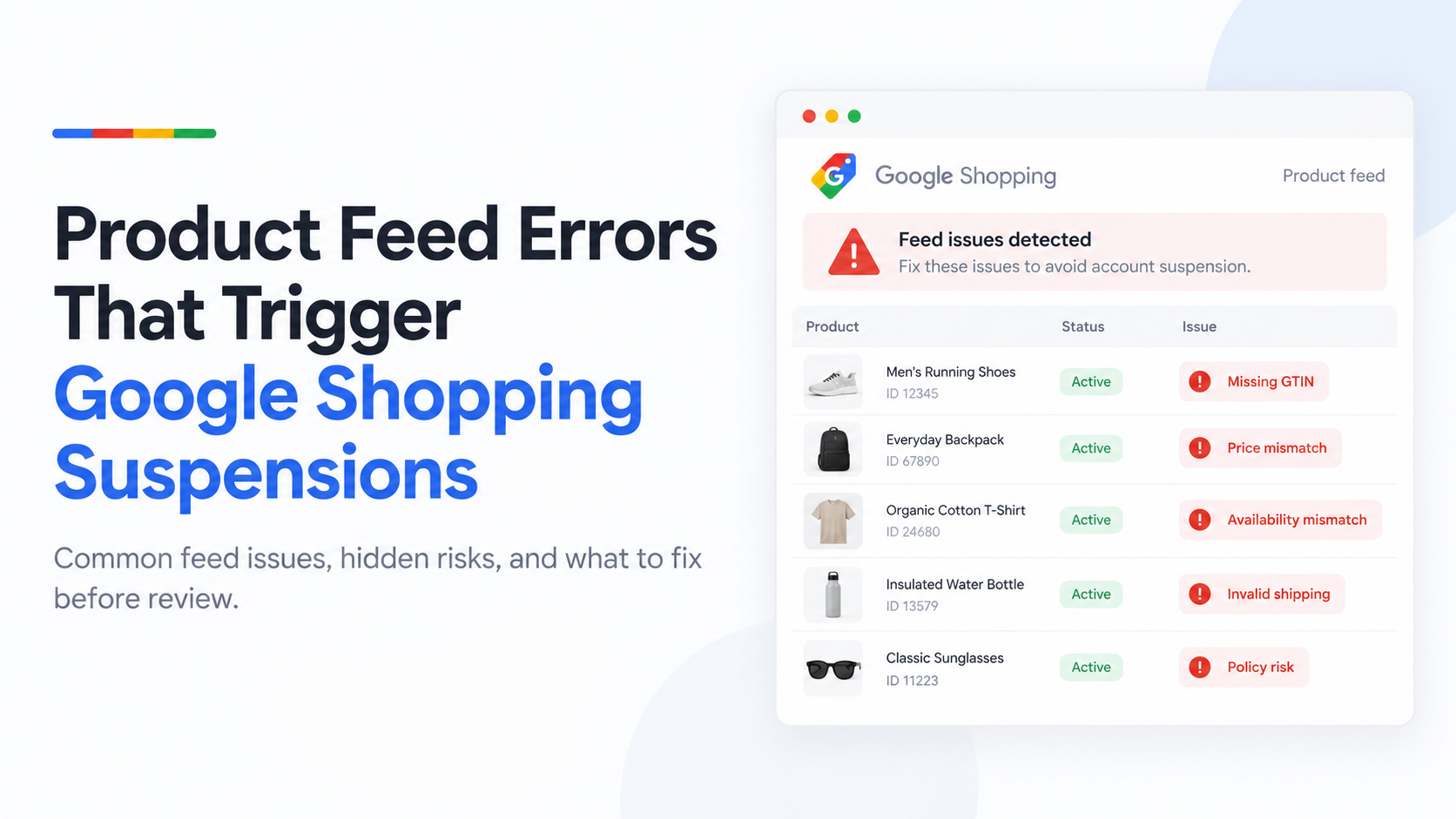
The most common Google Shopping product feed errors are price and availability mismatches, missing GTINs, wrong shipping data, image problems and broken product links. Fix them in your store or feed app, not only in the feed file, so the fix survives the next sync. Widespread or repeated errors can lead to an account suspension.
Last updated: 1 October 2026 · By Ashraful Islam, founder of GMC Fixer
Product feed errors are one of the most common reasons Google Shopping products get disapproved, and widespread feed errors can also lead to an account-level suspension. Fixing them starts with knowing which fields Google checks most closely and matching your feed to what is actually true on your website. Mismatches between the two cause most of the problems we see.
The product feed errors that show up most often
| Error | What it means | How to fix it |
|---|---|---|
| Price mismatch | The feed price differs from the price on the product page when Google checks it | Make sure sale prices, currency and tax settings are the same in the feed and on the site |
| Availability mismatch | “In stock” in the feed, but sold out or backordered on the site | Sync inventory more often and remove sold-out items or mark them correctly |
| Missing or invalid GTIN | No valid barcode where Google expects one | Add the real manufacturer GTIN, or mark custom products correctly; never invent numbers |
| Shipping data wrong or missing | Shipping cost or time in Merchant Center differs from your site | Set shipping in Merchant Center to match your published shipping policy |
| Image issues | Placeholder images, watermarks or promotional text on the product image | Use clean product photos with no overlays |
| Landing page problems | Link leads to a 404, a redirect or a different product | Use the final product URL and fix broken pages |
| Title or description mismatch | Feed text does not match the product page, or makes claims the page does not | Keep feed titles and descriptions consistent with the page |
Required product data, at a glance
Google’s exact requirements depend on the product and country, but almost every product needs:
- A unique ID, a clear title and a description
- A working link to the product page and an image link
- Price and availability that match the website
- Brand and GTIN for most branded products
- Condition if you sell used or refurbished items
- Shipping details, set in the feed or in Merchant Center
Why feed errors escalate from disapprovals to suspensions
A single disapproved product is normal and usually easy to fix. The risk is scale and pattern. When the same type of error shows up across a large share of your catalog, or keeps coming back after every feed update, Google can treat it as a data-quality problem rather than an isolated mistake. That is what moves it from item disapprovals toward an account-level suspension, often for misrepresentation.
Where to find what is actually flagged
Merchant Center lists product issues by type, with the number of affected items and examples. That is the starting point, but it shows the symptom Google detected, not always the cause. A price error, for example, might come from currency formatting, a delay between your site and your feed, or a sale price your feed does not include. The right fix depends on which one it is.
Fix errors at the source, not just in the feed
It is tempting to patch an error by editing the feed file directly. But if your feed is generated automatically from your store, a manual edit gets overwritten on the next sync. The lasting fix is almost always upstream:
- Shopify: correct the product data in Shopify itself and check the settings of the app that sends your products to Google, including markets, currency and shipping.
- WooCommerce: fix the product in WooCommerce and check your feed plugin’s field mapping, especially for sale prices, variations and GTINs.
- Other platforms: find where the feed is generated and fix the data there, so every future update is correct.
It also helps to keep accurate product structured data on your product pages. Merchant Center can use it to keep prices and availability up to date between feed updates.
A step-by-step way to clean up a feed
- Export the list of affected products and group them by error type.
- Fix the error type affecting the most products first.
- Check a few products by hand: feed value, product page and checkout should all match.
- Fix the cause in your store or feed app, not just the individual products.
- Wait for the next feed update and confirm the error count is going down.
- Only then move to the next error type.
Preventing feed errors from coming back
- Check Merchant Center after every price change, sale or big inventory update.
- Keep shipping settings identical in your store, your policies and Merchant Center.
- Review new products against Google’s image and identifier requirements before they go live.
- Do not leave sold-out products marked as in stock.
How GMC Fixer approaches feed errors
We start from the issues Merchant Center reports, but confirm the real cause on your store and feed source before changing anything, then fix it upstream so it does not reappear. When feed problems are part of a suspension, we handle them together with the wider policy review as part of our Google Merchant Center suspension fix service. See also why Google Merchant Center suspends accounts and what to expect during reinstatement.
Frequently asked questions
What is a Google Shopping product feed error?
It is a problem Google finds in the product data you send to Merchant Center, such as a price that does not match your website, a missing GTIN or a broken product link. Affected products are disapproved and stop showing on Google Shopping.
Can product feed errors get my Merchant Center account suspended?
Yes. A few disapproved products are normal, but when the same errors affect a large part of your catalog or keep coming back, Google can treat it as a systemic problem and suspend the account, often for misrepresentation.
Why does my price mismatch error keep coming back?
Usually because the feed and the website update at different times, a sale price is not included in the feed, or prices change at checkout because of currency or tax settings. Fix the source of the data, not just the feed file.
Do all products need a GTIN?
Most branded products sold by many retailers need a valid GTIN. Custom, handmade or own-brand products without a manufacturer barcode can usually be submitted without one, but you must say so correctly in the feed instead of inventing a number.
Related guides
- Google Merchant Center suspension checklist
- Misrepresentation policy violations: a practical guide
- Google Merchant Center reinstatement: what to expect
- Google Merchant Center website needs improvement: how to fix it
- Google Merchant Center counterfeit products suspension: what to do
- Google Merchant Center price mismatch: causes and fixes
- Google Merchant Center availability mismatch: how to fix it
- Google Merchant Center shipping mismatch: why it happens and how to fix it
- Google Merchant Center missing GTIN: when you need it and how to fix it
- Google Merchant Center invalid GTIN: causes, examples and fixes
- Google Merchant Center missing brand attribute: how to fix product disapprovals
- Google Merchant Center missing color, gender and age group: complete apparel fix guide
- Google Merchant Center Shopify suspension: complete fix checklist
- Google Merchant Center WooCommerce suspension: what to check before review
- Google Merchant Center dropshipping suspension: compliance guide for 2026
- Can you create a new Google Merchant Center account after suspension?
- Google Merchant Center landing page not working: how to fix URL and crawl issues
- Google Merchant Center Free Shipping Claims
- Google Merchant Center Review Failed
- Common Problems Found in 100 Suspended Merchant Center Stores
- 10 Patterns We Keep Seeing in Failed Merchant Center Reviews
- What We Learned From Reviewing Suspended Dropshipping Stores
- Google Merchant Center Review Failed: Why It Happens
- Google Merchant Center Review Button Disabled: What the Cooldown Period Means
- Google Merchant Center Product Page Blocked by Robots.txt: How to Fix Googlebot Access
- Google Merchant Center Automatic Updates: Should You Enable Them?
Get a free review of your product feed
If your Shopping products are disapproved or your account is suspended over product data, send us your Merchant Center issues. We will tell you which errors are causing it and what fixing them involves, and we reply within 24 hours.
Leave a Reply